


The best freehand drawings
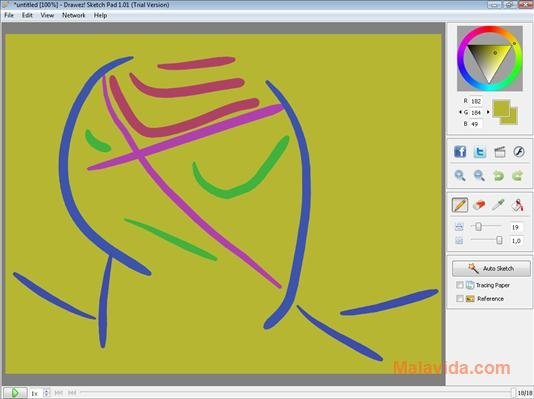
Up until not so long ago it wasn't at all easy to draw hand-drawn sketches on a computer, because it was nearly impossible to be able to simulate the strokes with the software that was available, but with applications like Drawez! Sketch Pad this is no longer so.
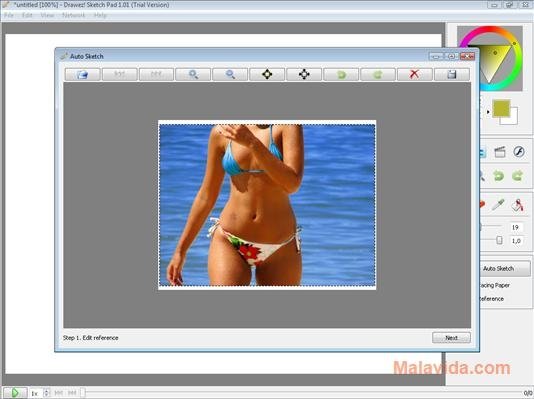
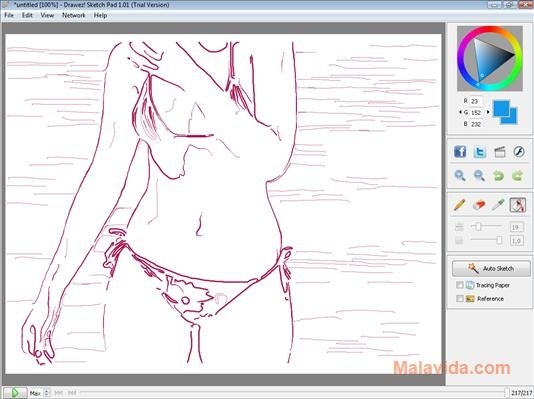
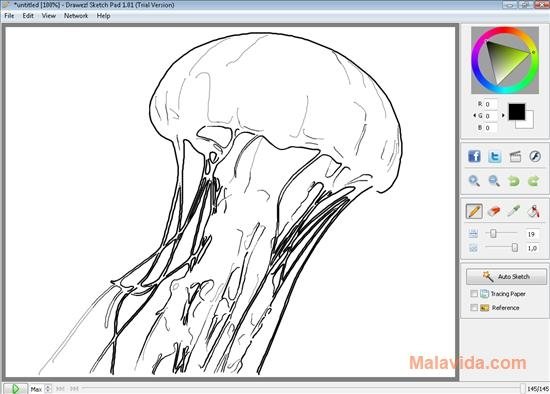
Drawez! Sketch Pad has been designed to be able to draw both with the mouse as well as with a drawing tablet. Furthermore, it includes another very interesting option, that's the possibility to create a sketch taking a photo as a reference.
Free-hand drawing on your computer
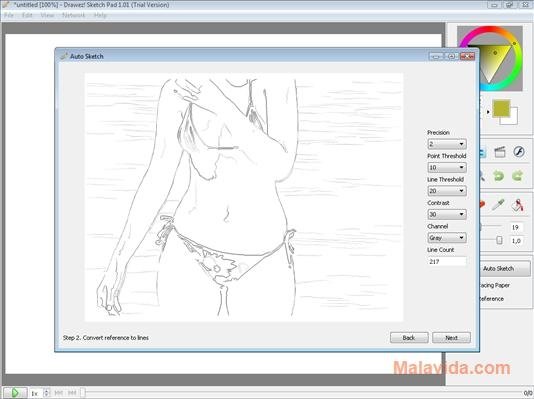
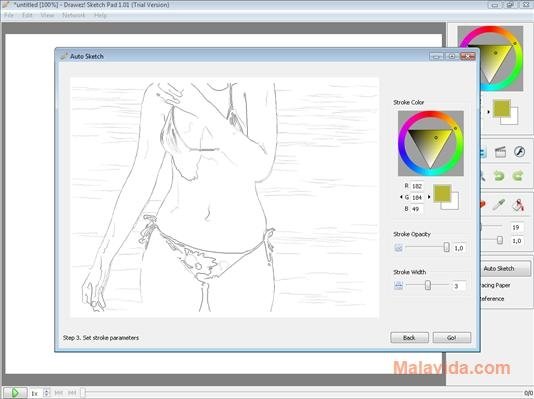
To carry out this process all you'll have to do is choose the photo, establish the general parameters of the sketch and the precision, then choose the color of the strokes and how thick they will be and last of all you have to wait for Drawez! Sketch Pad to create the sketch that you will then be able to modify.
Drawez! Sketch Pad offers great integration with new social networks, and offers you the possibility to upload the images directly to Facebook, Twitter and YouTube.
Therefore, if you want an application that will make it much easier to draw sketches on your computer, download and install Drawez! Sketch Pad.
Requirements and additional information:
- The trial version can be used for 30 days.
 Héctor Hernández
As a technology journalist with over 12 years of experience in the world of software and apps, I have had the opportunity to try all kinds of devices and operating systems over the years. I have done from software or mobile applications reviews...

Antony Peel